
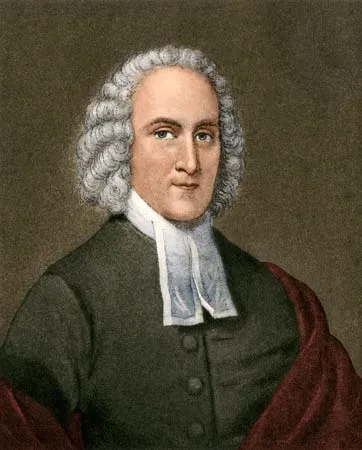
Jonathan Edwards (1703–1758) was an American Congregationalist theologian, philosopher, and pastor widely regarded as the greatest intellectual of colonial America and a central figure in the First Great Awakening. As a key defender of the religious revival movement, he served as the chief theorist for the Awakening, emphasizing that true religion is rooted in “holy love” and a genuine spiritual experience of God’s grace.
Edwards is best known for his 1741 sermon “Sinners in the Hands of an Angry God,” which vividly depicted divine judgment and helped spark widespread conversions. Beyond his preaching, he produced significant theological works such as Freedom of the Will and Religious Affections, which explored the nature of human agency and authentic piety. He also served as a missionary to Native Americans and, shortly before his death, became the third president of the College of New Jersey (now Princeton University).
THE JONATHAN EDWARDS BLANK BIBLE
The Jonathan Edwards “Blank Bible” is an 18th-century manuscript that serves as a unique, interleaved study Bible created by the New England Puritan theologian Jonathan Edwards. Paradoxically named for its blank pages, it contains over 5,000 notes and entries Edwards wrote over three decades regarding biblical texts, making it one of the most significant artifacts of early American biblical scholarship.

The manuscript was originally a 1653 King James Version Bible that had been physically cut apart and interleaved with blank pages in a larger notebook format, allowing Edwards to write extensive commentary directly beside the scripture. Today, the original is housed at the Beinecke Rare Book & Manuscript Library at Yale University, while the complete text of his notes is published as Volume 24 of The Works of Jonathan Edwards by Yale University Press. Modern publishers, such as Crossway and Thomas Nelson, have released “Interleaved” or “Journaling” Bibles inspired by Edwards’ design, offering blank pages for readers to create their own study notes.
JONATHAN EDWARDS MISCELLANIES
Jonathan Edwards’ Miscellanies are a series of private theological notebooks that serve as his personal repository for thoughts, observations, and insights developed over his ministerial career. Comprising over 1,400 entries written between 1722 and 1758, these notebooks span nearly every aspect of systematic theology, including original sin, free will, the Trinity, and eschatology.
Edwards meticulously numbered and indexed these entries to organize his intellectual development, creating a comprehensive system that allowed him to cross-reference ideas and later incorporate them into published sermons and treatises. The collection is published in 27 volumes by Yale University Press as part of The Works of Jonathan Edwards, with the first volume covering entries a–z, aa–zz, and 1–500.
Beyond mere notes, the Miscellanies function as a proto-systematic theology, revealing the interconnected components of Edwards’ theological system and his affective inner life centered on God. Modern readers and scholars often use the alphabetical index (or “Table”) included in the volumes to navigate these dense, topic-specific reflections.
My journey with bible journaling began about 8 years ago when an ordained Presbyterian minister in the PCA, and a Jonathan Edwards scholar named Matthew Everhard posted a video on the system of miscellanies that he used, inspired by Edwards system.
Upon seeing this video, I was on a quest to satisfy my enthusiasm foe bible notetaking and journaling. I implemented the system from this video within days. Purchased some notebooks that I carried around with me and every time I needed more room than my bible could provide, I selected the next miscellanies number, jotted that in the relevant section of my bible and expounded my thoughts in my notebook. In the beginning it was great. Within a few weeks I was up to 240 miscellanies notes.
Then trouble cam into paradise. I discovered a gigantic flaw in the system as my notes began to grow. There was no theoretical way to search my miscellanies for a topic that I was looking for when I didn’t have the relevant bible passage available to me. Search was a problem. In an attempt to remedy this conundrum, I created a “Table of Contents” of sorts. That worked for a while but sometimes I needed to find a topic or an idea in one of the notes. Another obvious issue with the physical notebooks was editing, which is very difficult.

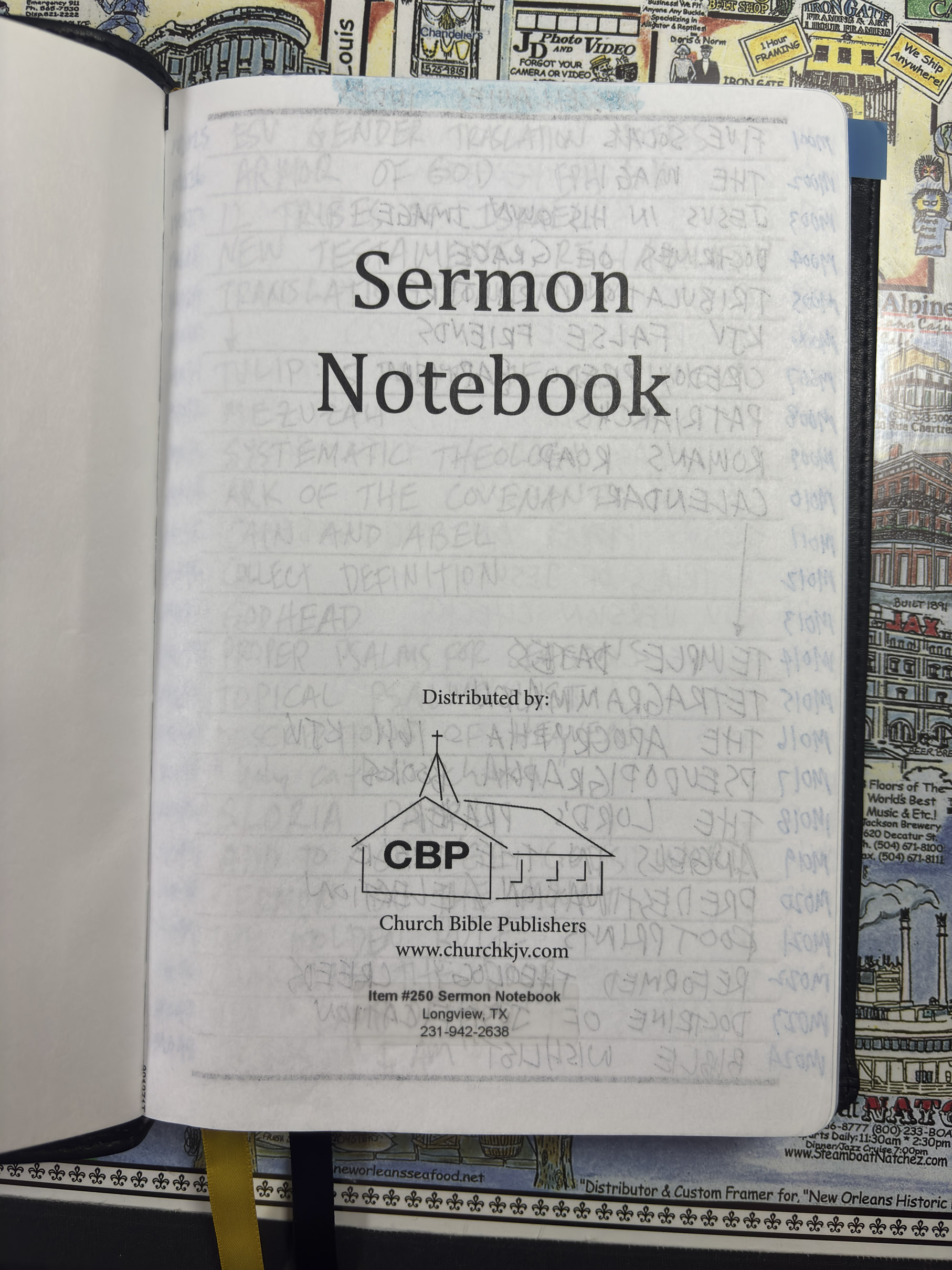
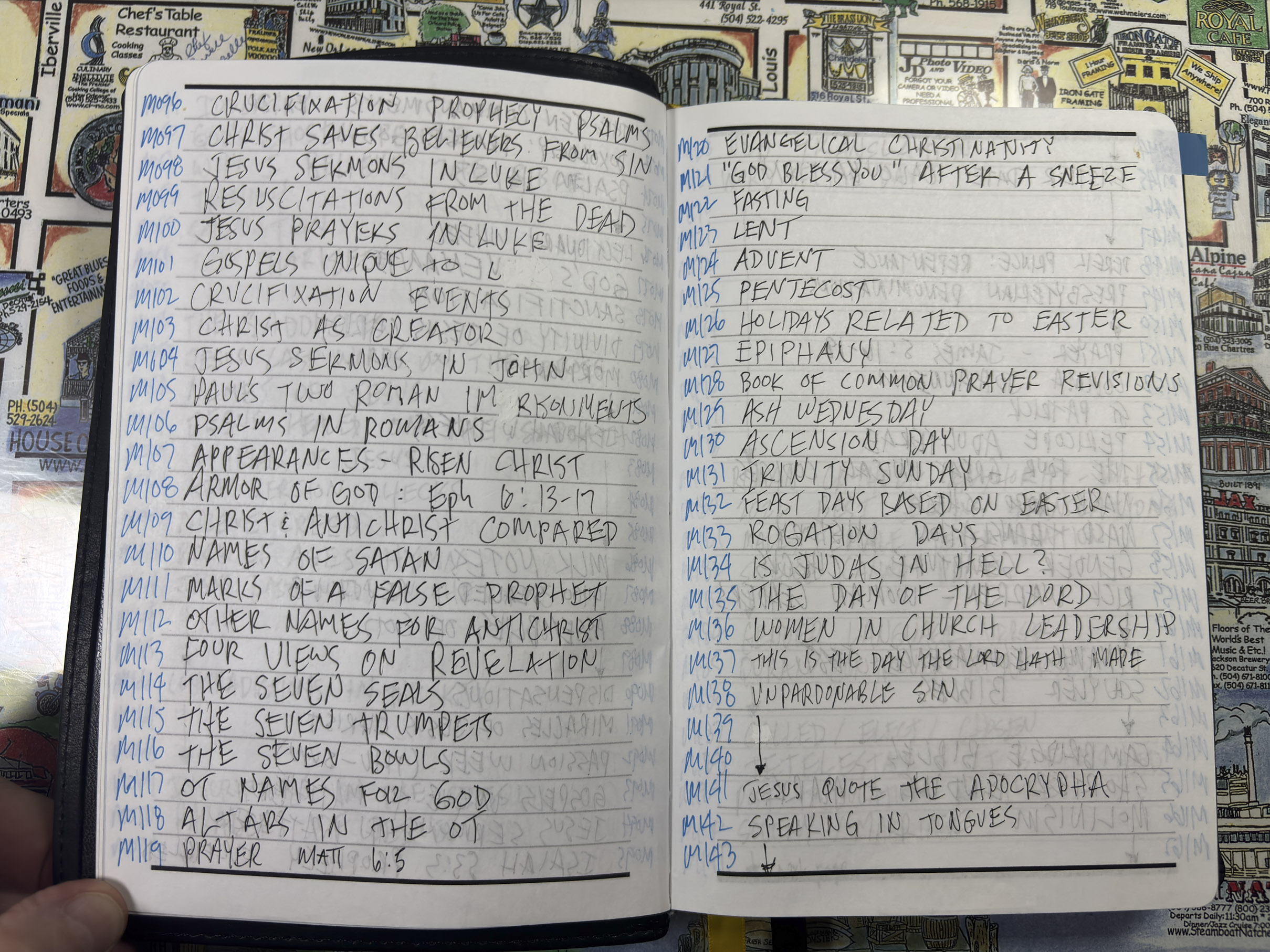
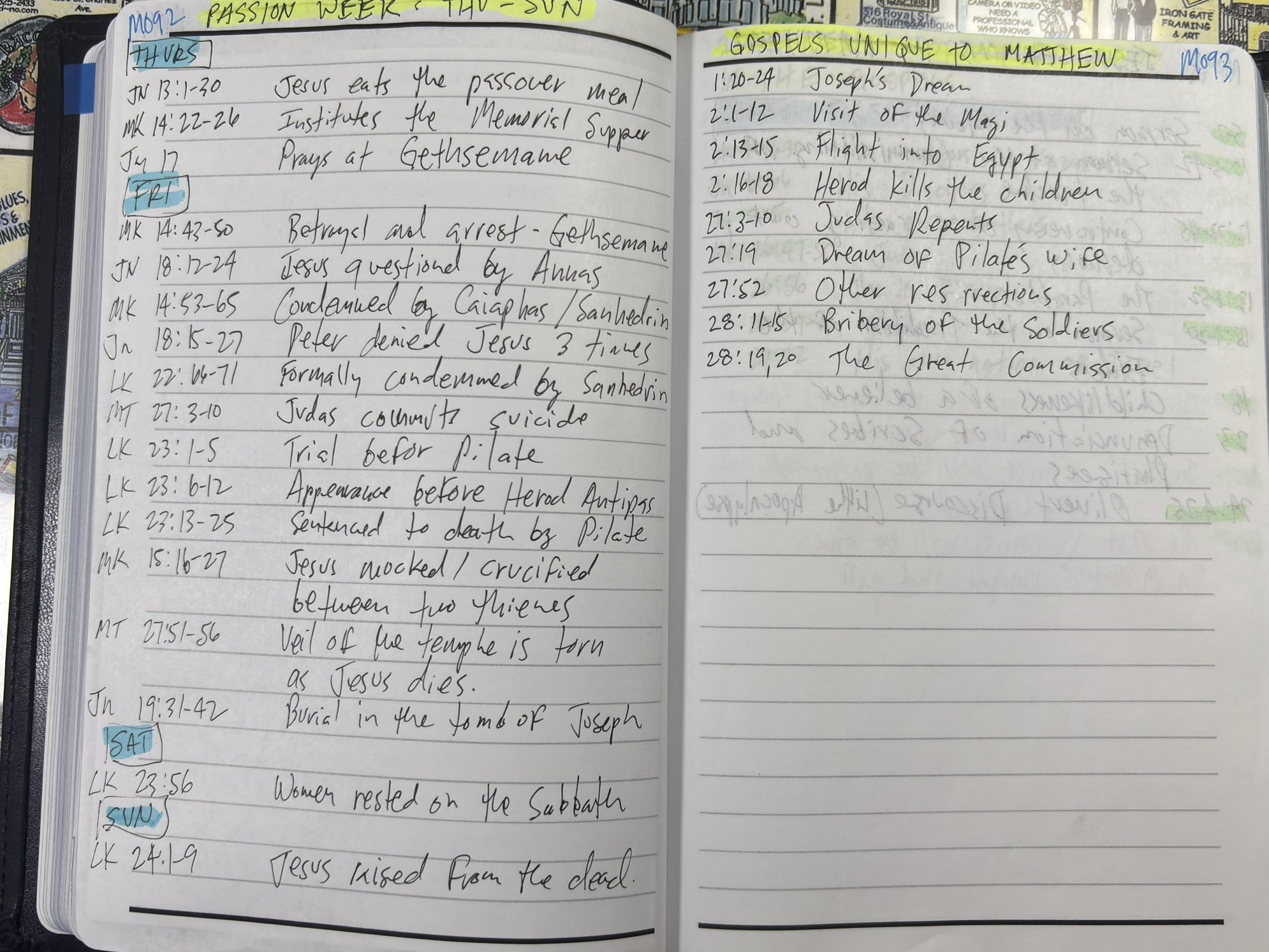
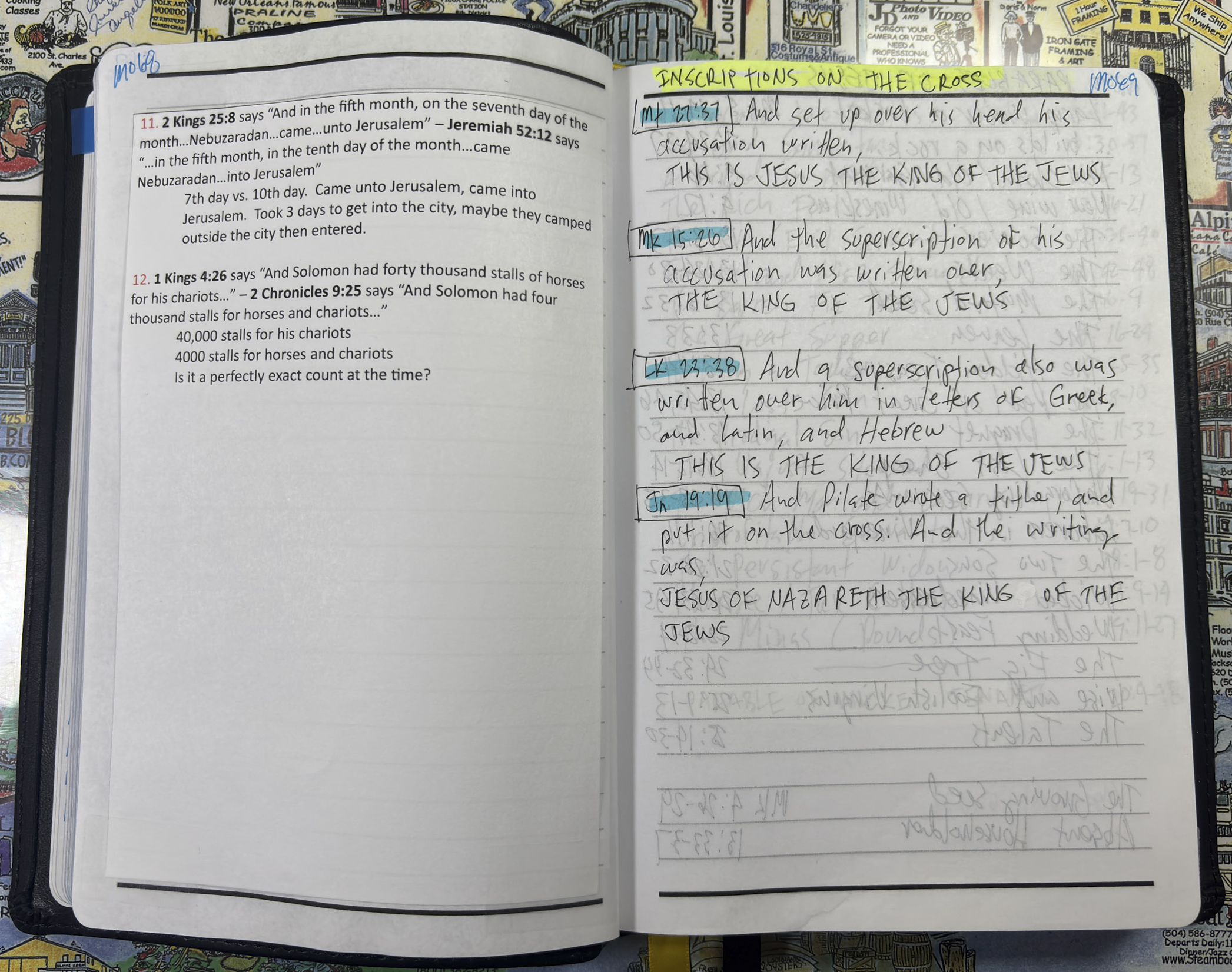
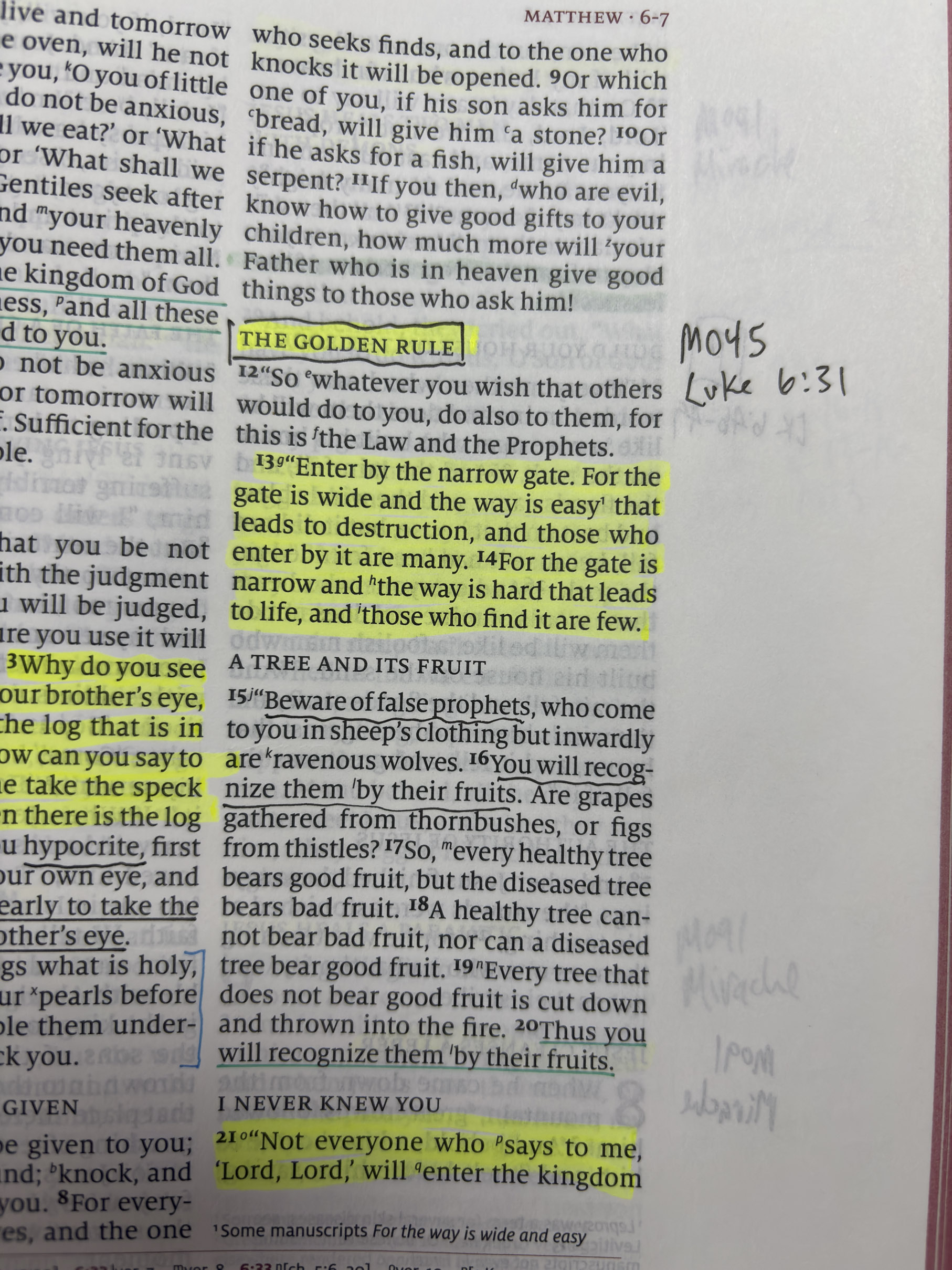
My resolution was found in the digital world of my computer. As a massive computer geek, solutions are easily created or installed to solve complex issues. After a bit of research and my refusal to pay for any subscriptions, I decided upon a Joplin server that I could host myself on the Synology NAS that I have. Joplin is similar to Microsoft OneNote, however it has several advantages that OneNote does not. The main issue with OneNote is control. Users of OneNote may not realize that the notebooks are not actually stored on your computer, but rather on Microsoft servers. Once I reached 500 or so notes, downloading the notebooks that I created was an exercise in frustration. Error after error. The other issue was format. The best solution that I have was to download in HTML format. Not the best when it comes to importing into another software package.
WHAT IS JOPLIN?
Joplin is a free and open-source note-taking and to-do list application designed for privacy-conscious users who want full control over their data. Developed by Laurent Cozic and first released in 2017, it is built using Electron for desktop (Windows, macOS, Linux) and React Native for mobile (iOS, Android), with the core code written in TypeScript and JavaScript.
The software operates on an “offline-first” architecture, meaning all notes are stored locally on your device by default in a SQLite database and formatted in Markdown. This ensures that your data remains accessible without an internet connection and prevents vendor lock-in. Key features include:
- End-to-End Encryption (E2EE): Optional client-side encryption for synced notes.
- Flexible Synchronization: Syncs via Joplin Cloud, Nextcloud, Dropbox, OneDrive, WebDAV, or local file systems.
- Organization: Supports notebooks, sub-notebooks, tags, and a powerful search function.
- Content Support: Handles multimedia attachments, web clipping, and to-do lists with reminders.
- Migration: Includes a native importer for Evernote (ENEX files).
While the core application is completely free and open-source (AGPL license), Joplin Cloud offers a paid subscription for managed syncing and collaboration features. It is widely regarded as a robust alternative to proprietary apps like Evernote and OneNote, particularly for users prioritizing data sovereignty and open standards.
Here are the steps to using Joplin for the purposes that I have described.
- Hardware: a physical external drive that can be accessed from phones, laptops and desktops from within your home. A bonus would be a setup similar to mine where I can sync notebooks away from the house, outside my home network. My solution was an existing Synology DS920+ NAS that I use for music and movie streaming to my Roku TV’s but also acts as a file storage NAS which is perfect for Joplin sync.
- Download and install Joplin on a laptop, or desktop.
- Configure the software to sync to a network share on the chosen hardware. I use WebDAV because it is easy and the Synology supports it. An external USB hard drive that is shared would work just the same.
- Create a few test notes, install the software on your phone and setup sync with the shared files you created.
If the setup above is a bit too much for your skill level, you can still have the Joplin software on a single physical device without syncing to other devices.
LINKS